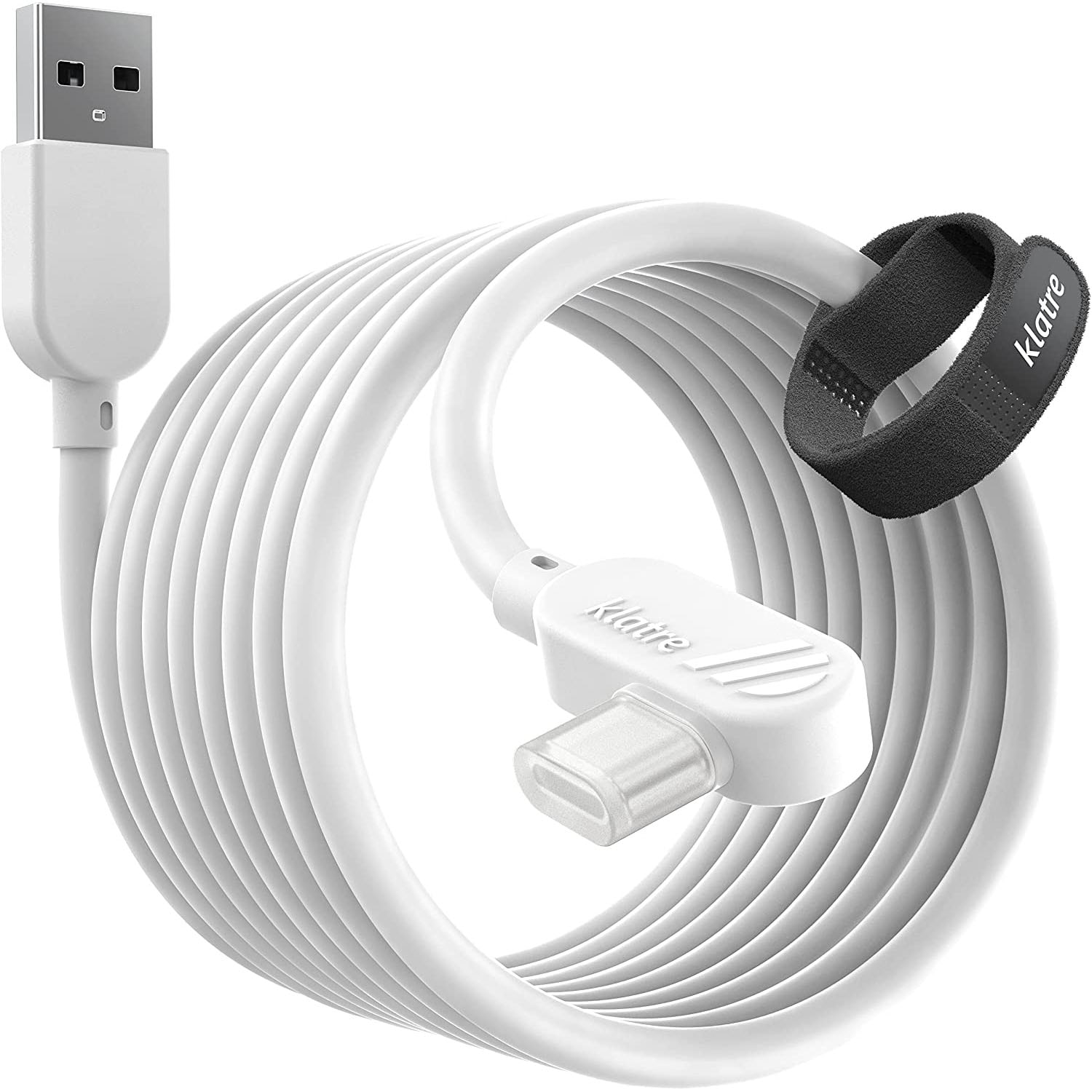
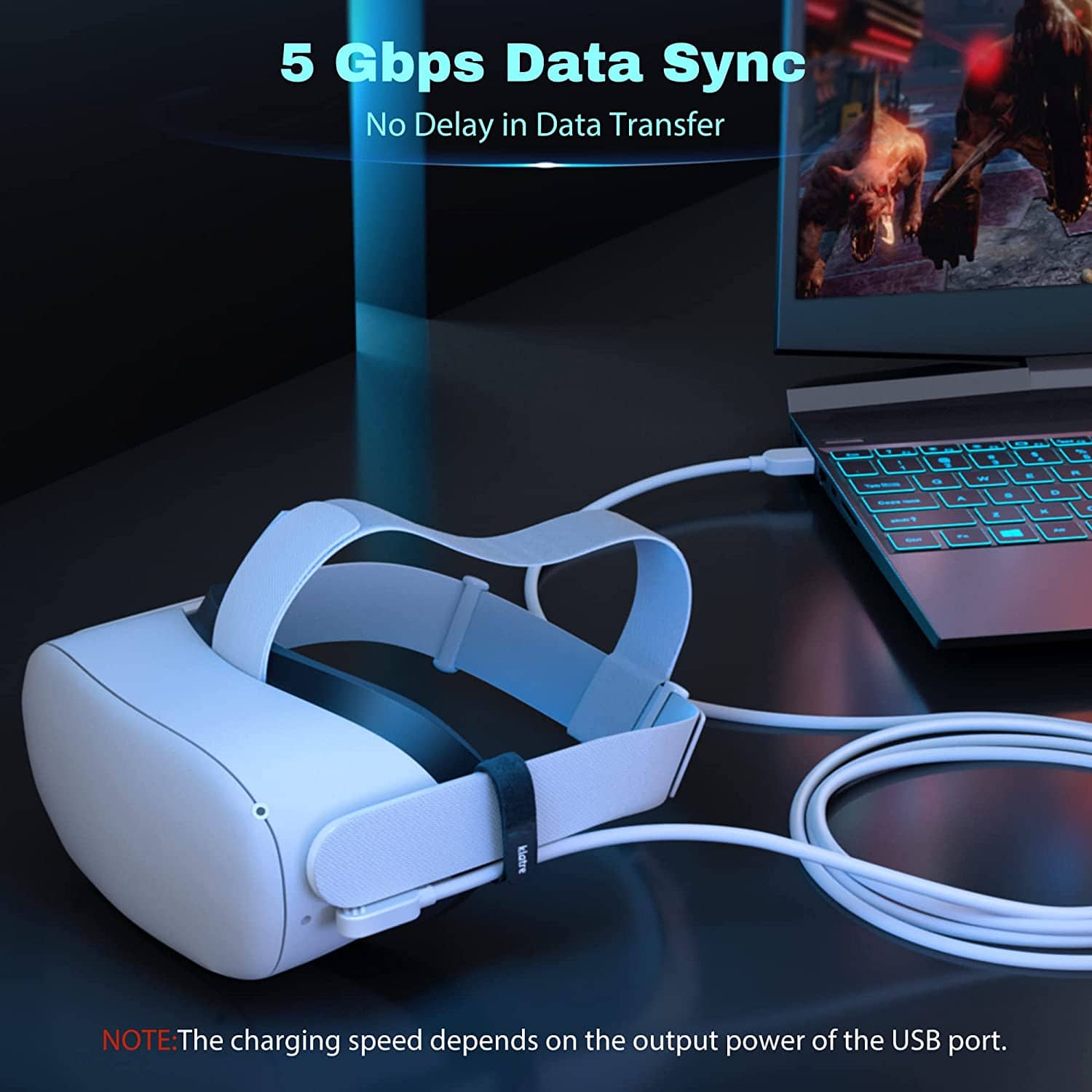

Klatre USB 3.0 to USB C 5M Cable Quest 2 Link Cable, Fast Charging & High Speed Data Transfer Compatible for Oculus/Meta Quet 2 VR Headset, Gaming PC, Steam VR

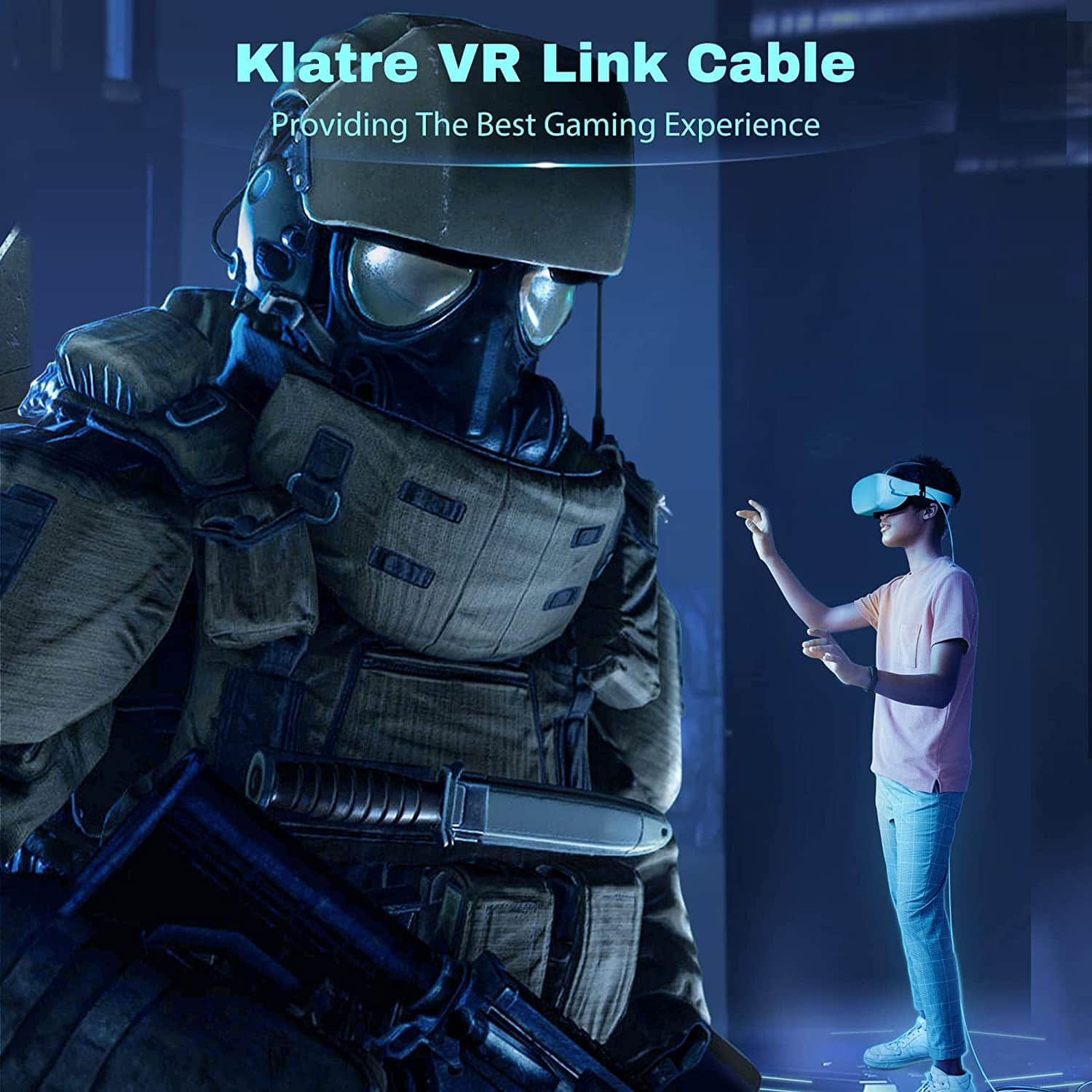
  • 【Oculus Quest 2 Link Cable】This link cable is designed for Meta/Oculus Quest 2/1, which connects the Oculus VR headset to a gaming PC, allows you to play Steam VR games and all Oculus Rift apps, bringing you to the fantastic VR world. It’s also compatible with all Type-C devices.
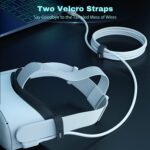
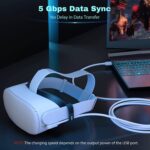
  • 【High-Speed Transmission & Fast Charging】 Supports up to 5 Gbps data transfer speed, which allows it to connect Oculus Link Program with no lag, enhancing your gaming experience without interruption or delay. 3A fast charging makes it possible to play and charge simultaneously, no power worries.
  • 【5M Link Cable 】5 Meter length, durable and flexible design allows you to travel in the VR world without being restricted, enjoying every moment in the VR world freely.
  • 【User Friendly Design】90-degree right angle design, easy to insert and prevents disconnecting during games, providing a stable VR experience. Quest 2 link cable comes with two Velcro straps, one is for fixing the position of the link cable, another is for organizing it.

Original price was: 500 EGP.Current price is: 399 EGP.

16 People watching this product now!

Description

Why Klatre?

Klatre is a newborn brand specialized in the field of intelligent wearable devices and accessories from 2021.

We attach great importance to providing high-quality and useful products to customers.

We now have sold our products to more than 100,000 people all over the world, hope it will be a good chance to start the connection between us.

NOTE!

Some Warm Tips

  1. Before your purchase, please read the recommended computer configuration, to make sure your PC is supported.
  2. The charging speed depends on the output power of the USB port on your PC, most of the motherboard USB ports are only 5V/1A, which means it CANNOT allow you to charge and play simultaneously.
  3. For the best gaming performance, please make sure you plug the USB end into the USB 3.0 port on your PC.
  4. We provide the user guide on the page which may help you to connect the cable to your VR headset.