


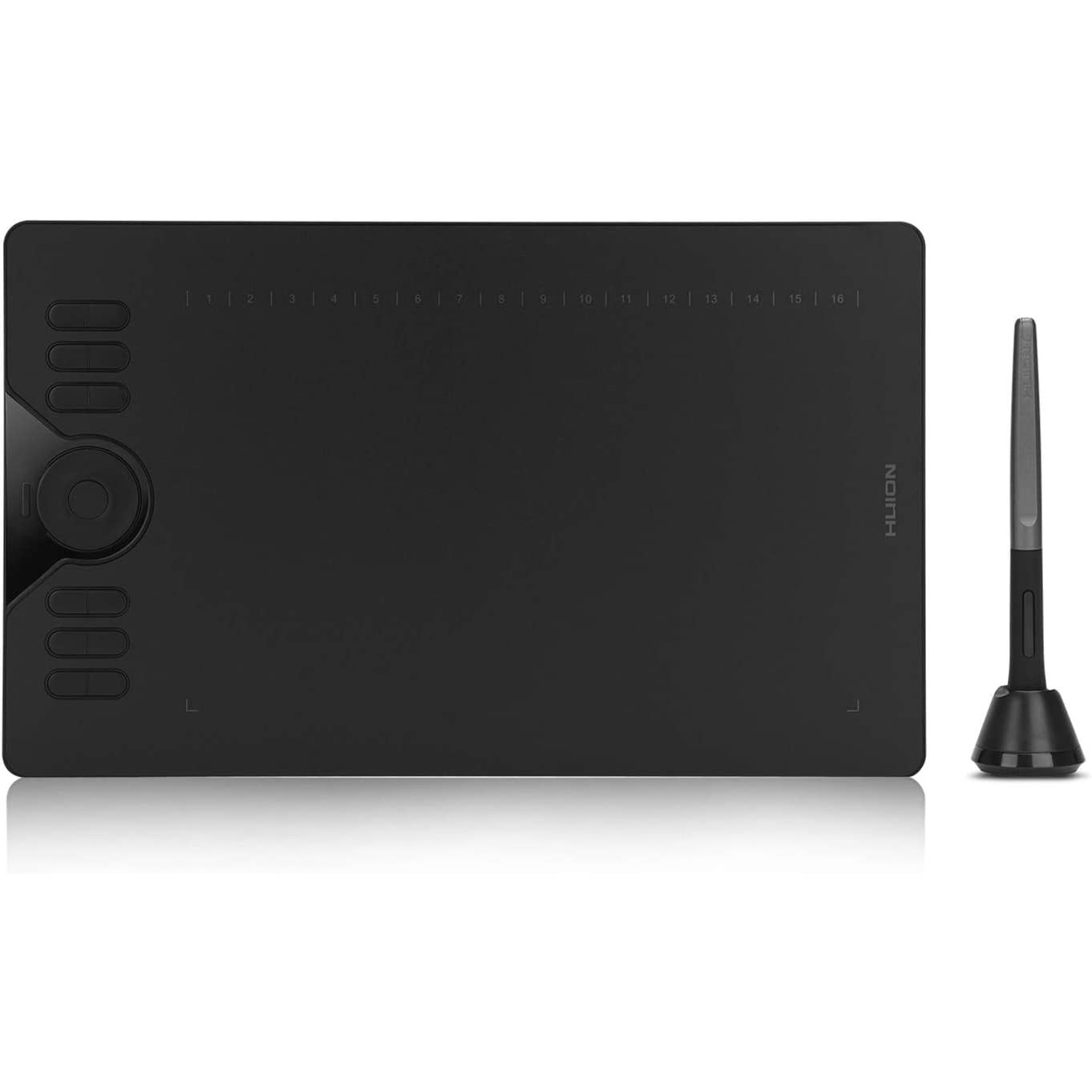

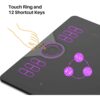

Touch Ring and 12 Press Keys
- Touch Ring Function
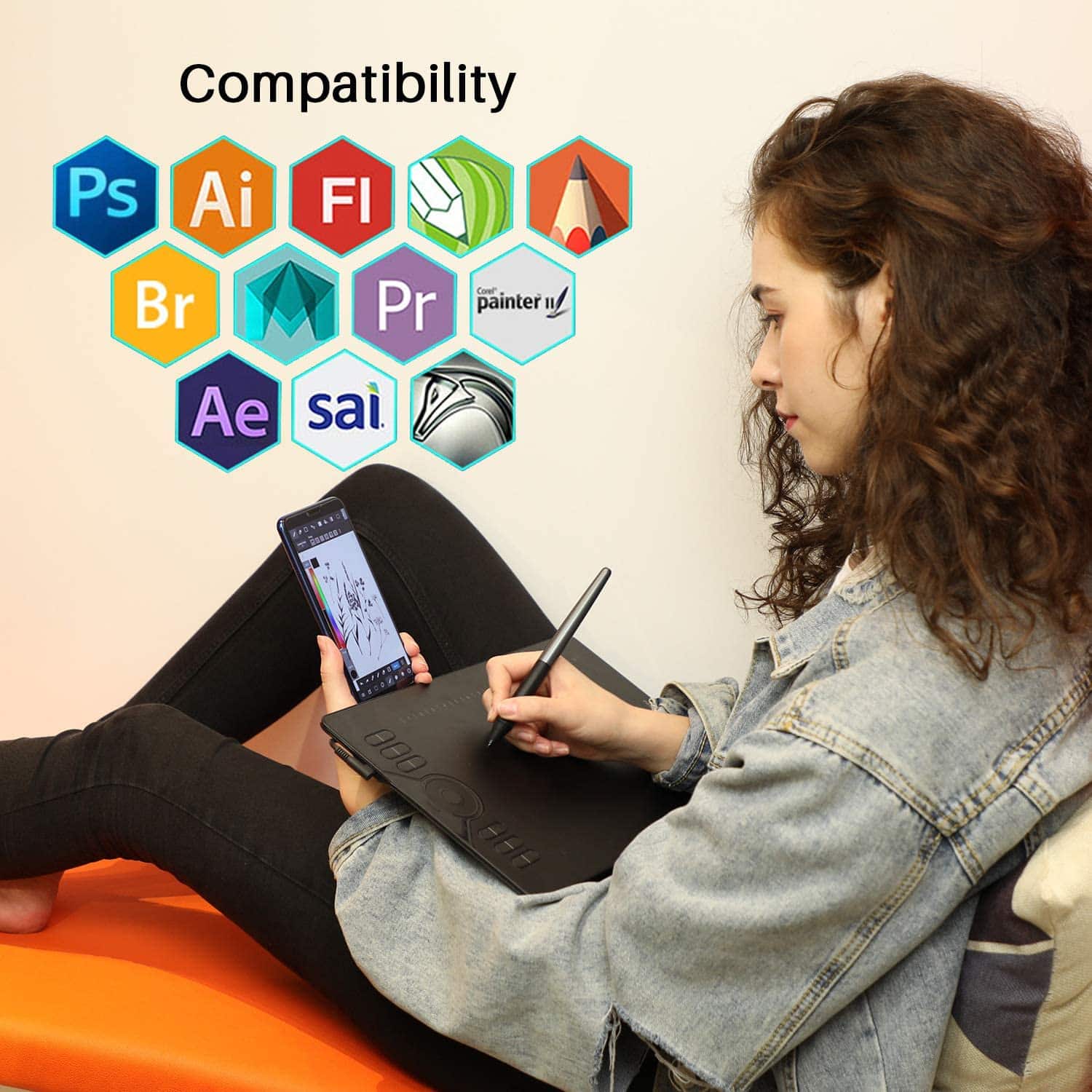
Navigate alternate functions of the touch ring, including canvas zooming, brush adjusting, and page scrolling. It makes you more efficient in drawing and working. Touch ring and shortcuts CAN’T be used under Phone Mode.
- Customizable Press Keys
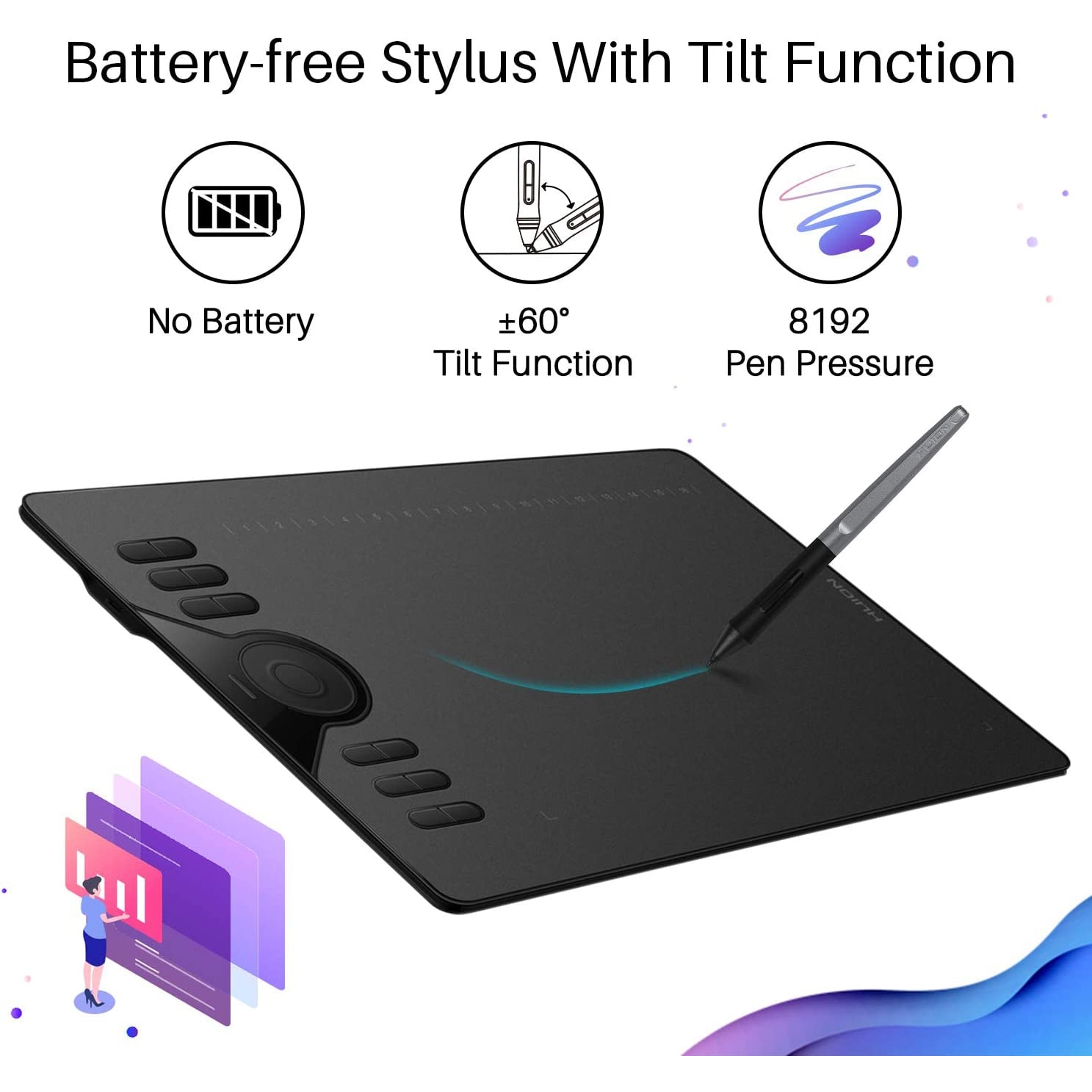
12 Programmable Press Keys +16 Soft Keys – There are 28 programmable press keys in all for you to establish your exclusive studio, with multiple functions to be realized instantly on your fingertip.
WARM TIPS:
1. HS610 is not a stand-alone product!
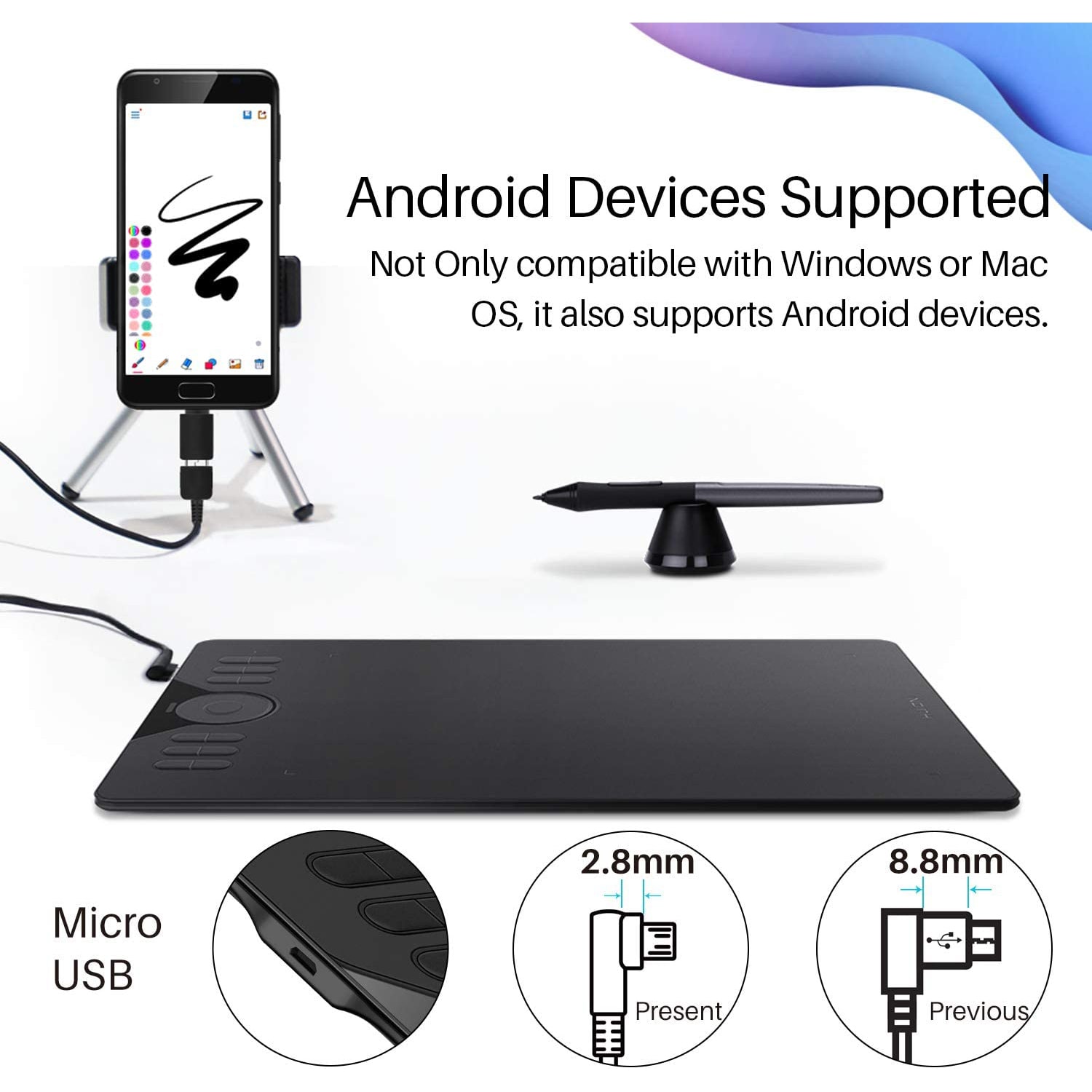
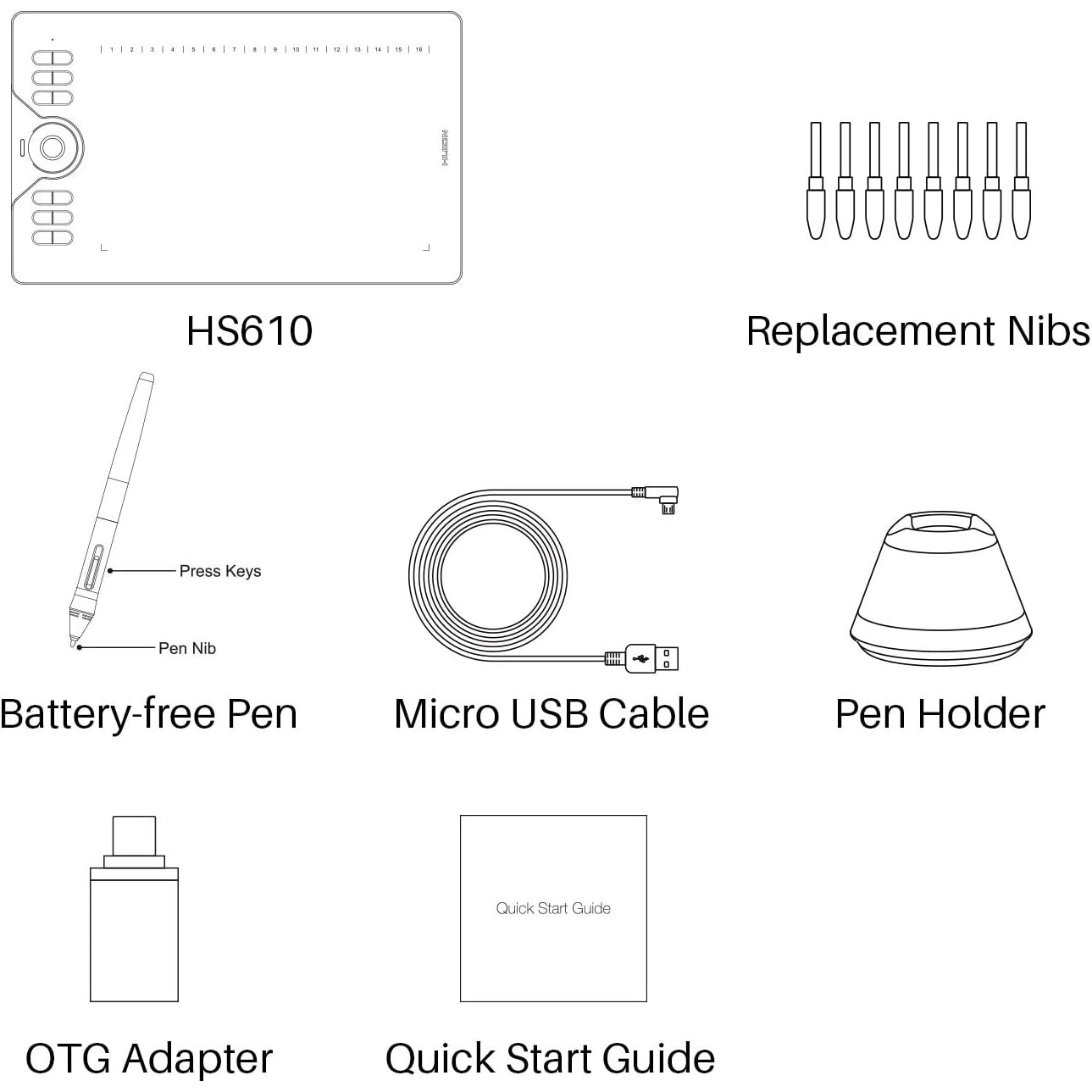
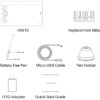
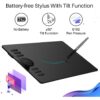
- HS610 must be connected to a computer or Android device to use. And the replacement nibs are in the pen holder.
2. Connection
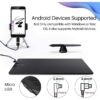
- Please make sure completely plug the USB cable into the tablet. When you need to connect the tablet to a mobile phone, please use the OTG adapter and operate following the user manual.
3. Driver Download and Installation
- Driver Download: Our driver will be regularly updated, so please go to Huion official web to download the newest driver, and install it on your computer.
3.1 For Windows Users:
- Please make sure there is no other brand driver on the computer and close all drawing programs before installation. (IMPORTANT) Please run as administrator when installing the driver.
3.2 For Mac Mojave (10.14), Catalina (10.15) Users:
- Our driver is compatible with Mac OS Mojave (10.14) and Catalina (10.15), please install the newest released driver on your computer and add the “HuionTablet” and “TabletDriverAgent” into the whitelist first after installed the driver.
Reminder:
List of Compatible Android Devices:
Samsung: Galaxy Note 8/9/10/10+/10+ 5G/20/20 Ultra 5G, Galaxy S8/S8+/S9/S9+/S10/S10+/S10e/S20 5G/S20+ 5G/S20 Ultra 5G/S21 5G/S21+ 5G/S21 Ultra 5G, Galaxy Z Fold/Z Fold 2, Galaxy A90 5G, Galaxy Tab S4/Tab S5e/Tab S6/Tab S7/S7+(The Samsung Note series can display the cursor after setting, other series will not)
Huawei: P20/P20 Pro/P20 RS/P30/P30 Pro/P40/P40 Pro/P40 Pro Plus, Mate 30/30 Pro/30 RS/30E Pro/40/40 Pro/40 Pro+/40 RS/X/X2


